How to reset your password
Step 1
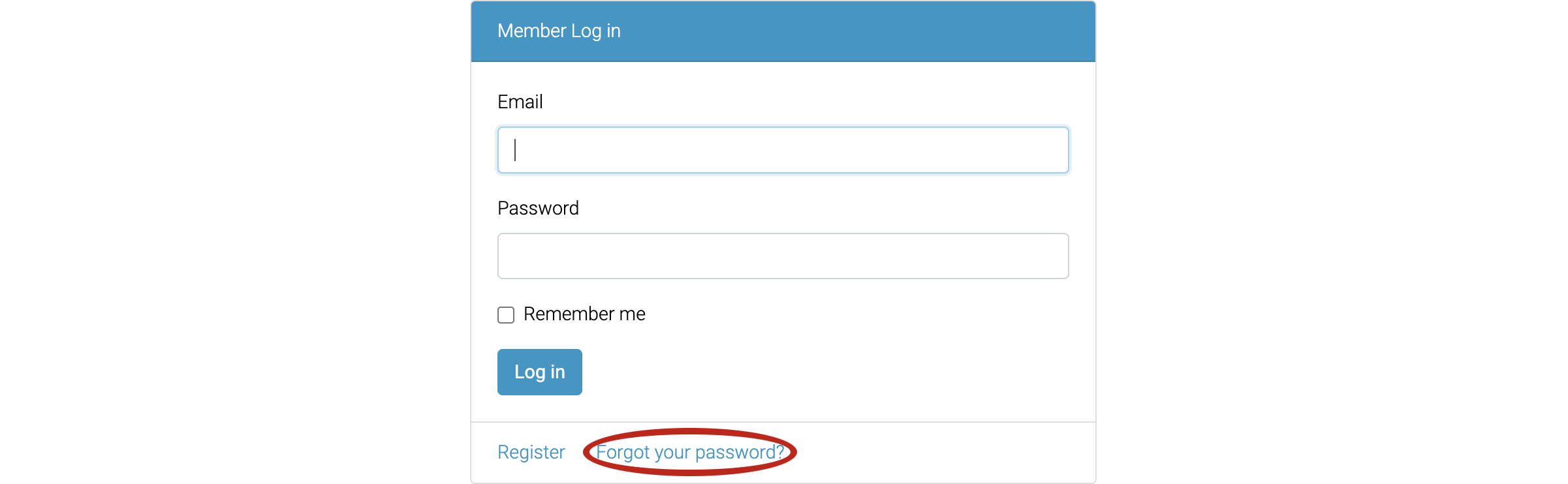
When on the Member login page, click the "Forgot your password?" link.
Step 2
Fill in your email address and click the "Send me reset password instructions" button.

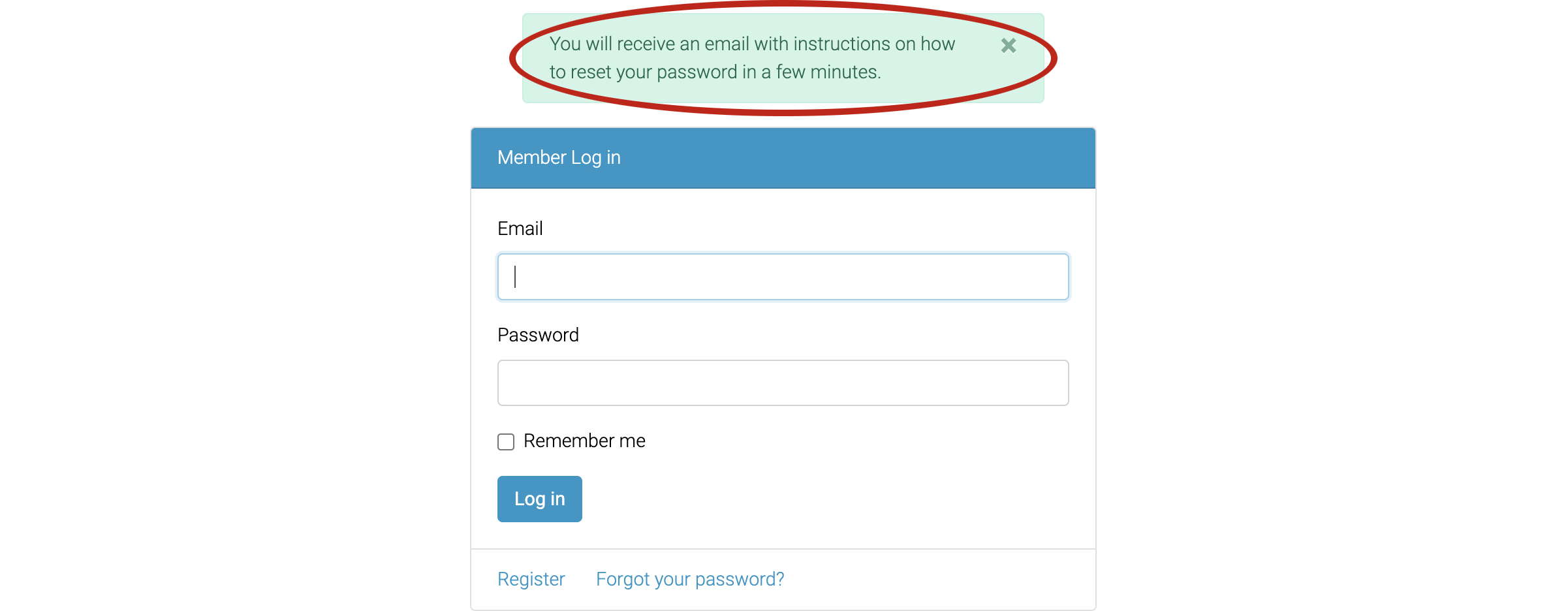
If successful, you will see a message indicating instructions will be sent to your email address.
Step 3
Find the email entitled "Reset password instructions" and click the "Change my password" link.
Fill in, and confirm, your new password, then click the "Change my password" button.

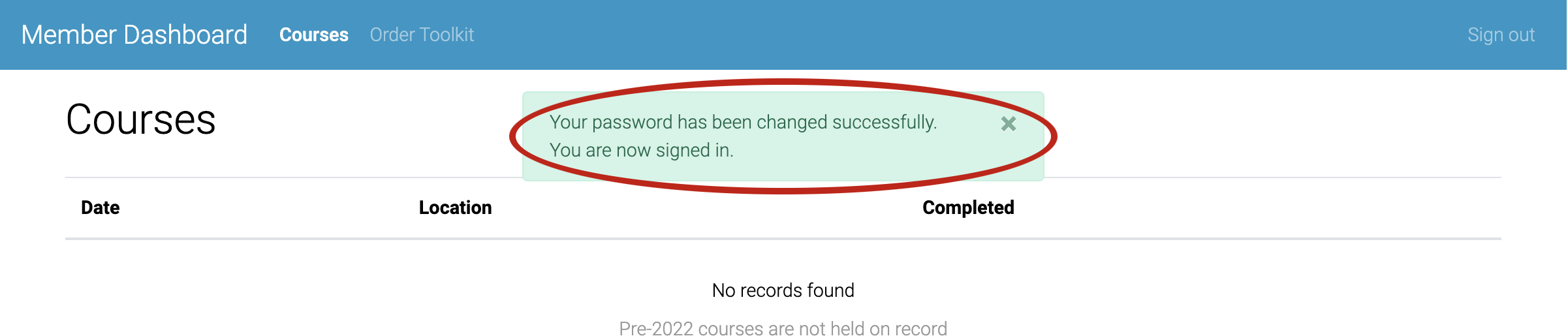
If successful, you will see a message indicating the change and you will be signed in.