Courses
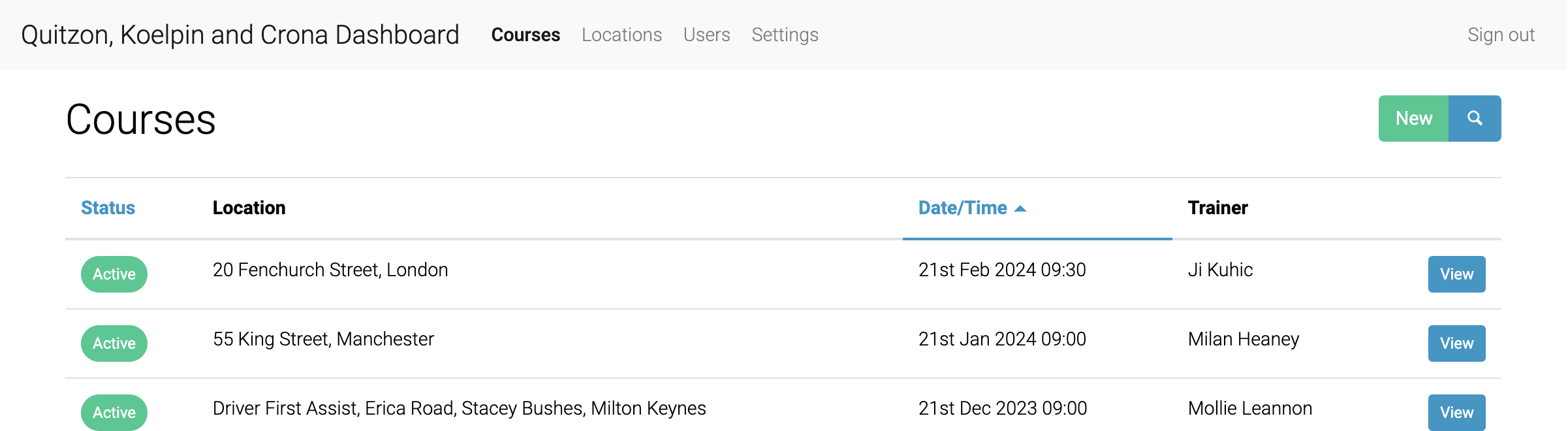
Login as a client and you will be taken to the Courses page.

Here you can see all client courses.
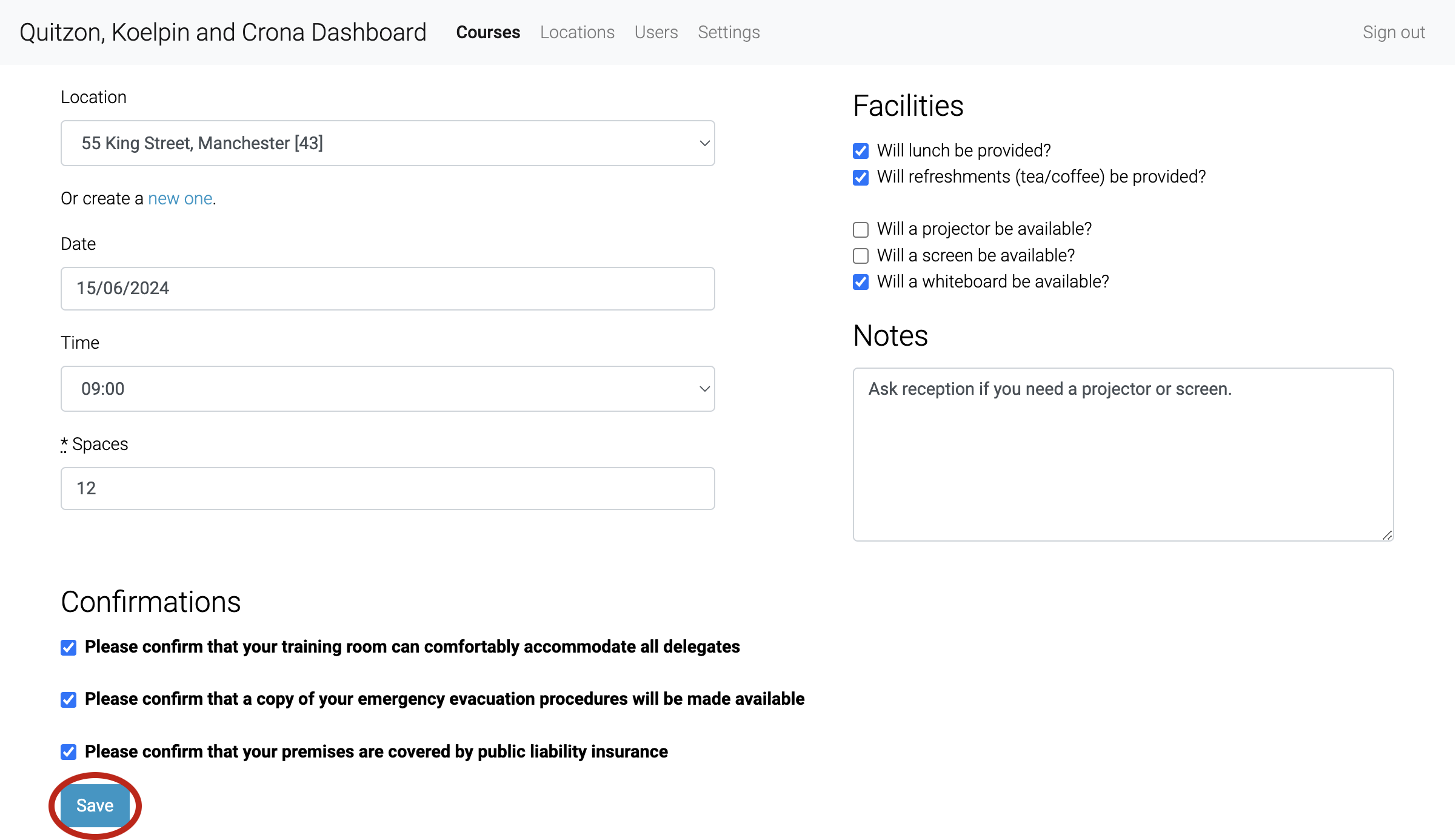
You can then select a Location, set it as TBC (to be confirmed), or create a new one, after which you'll be brought back to the new Course page with thatCourse pre-selected.

Set a Date, Time and number of Delegates for the Course (the maximum for one Trainer is 12, the minumum for a Course to run is 6).

Next are Confirmations, these are required to launch a Course.

You're able to select specific facilities that are unique to this Location and/or Course.

If there is any information you need to convey to Trainers about the Course, you can add a Note.

Then, click Save to create the Course.
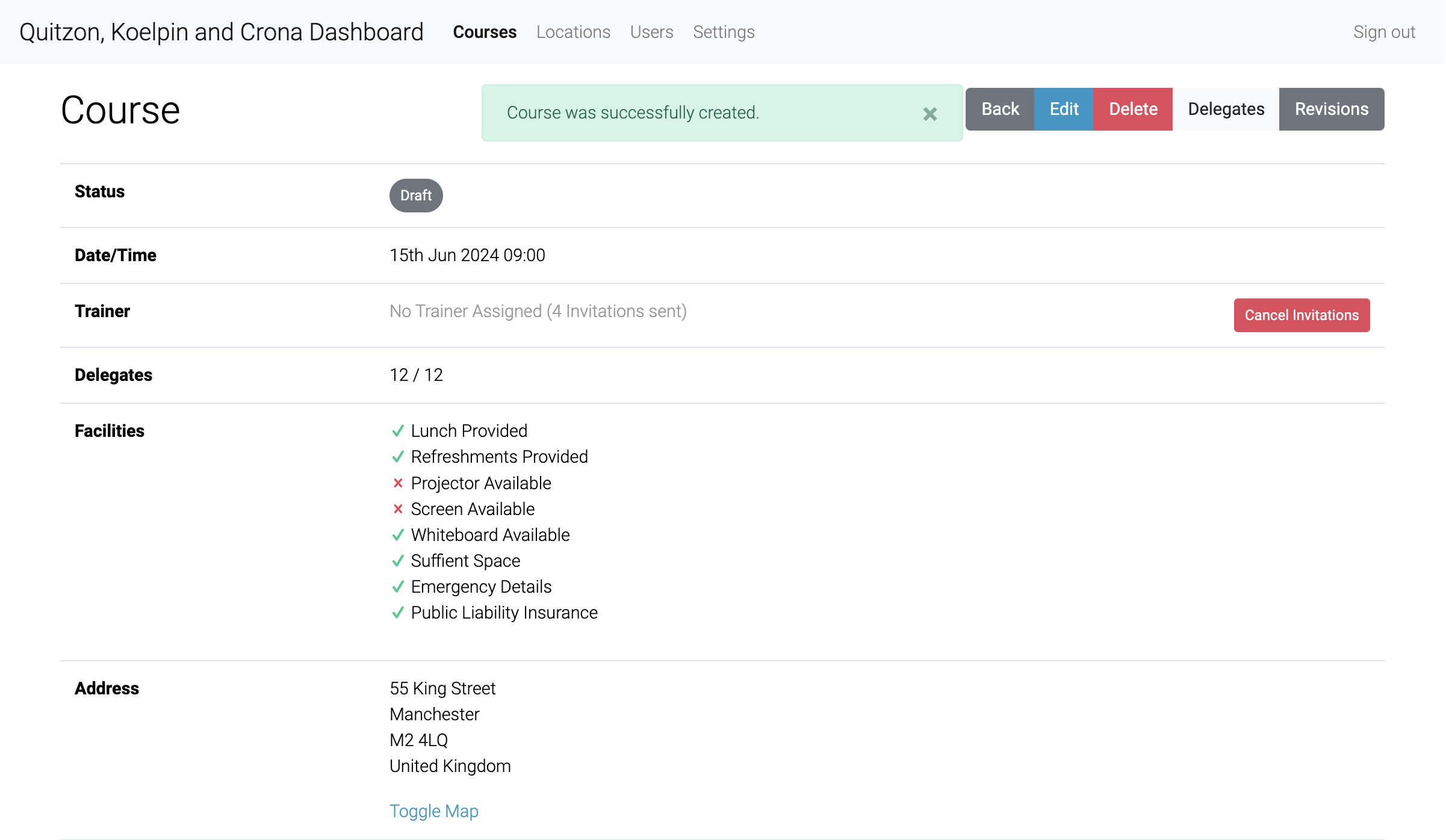
The Course will be created as a Draft and invitations will be sent out to all eligible Trainers.
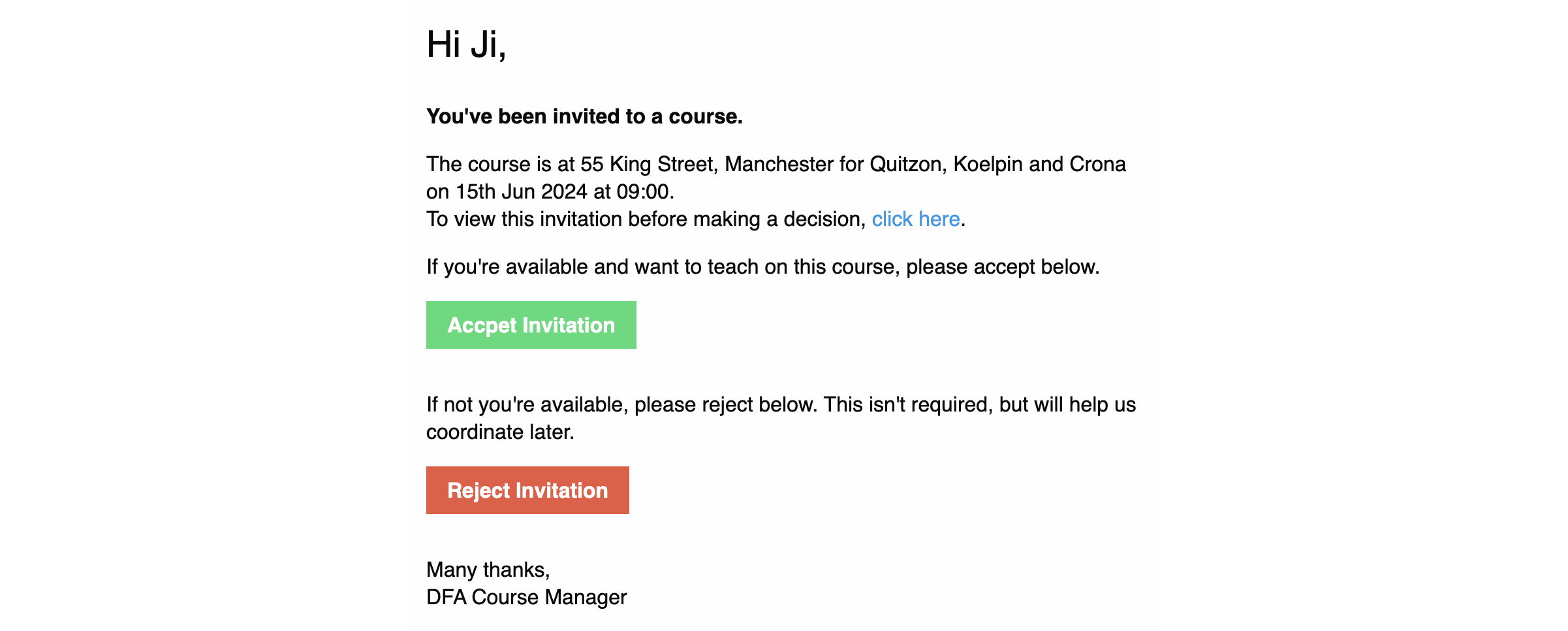
The Trainer invitation logic is as follows:
- Travels anywhere Trainers are always invited
- Trainers whose address is within 60 miles of the Course Location
Invitations look like the following: